






Google Local Services Ads Cost Per Lead: What to Expect in 2026

Summarize this article with AI
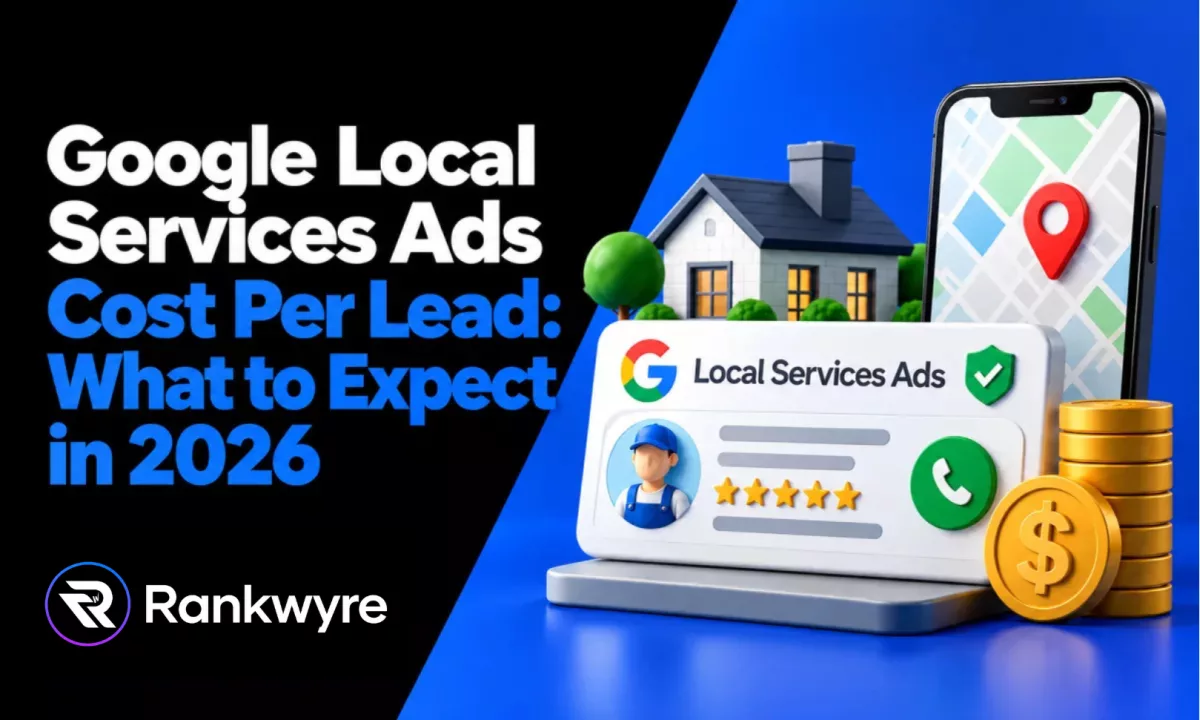
Google Local Services Ads charge you per valid lead, not per click. That single fact changes how you should budget for them, and most of the "average cost per lead" numbers floating around the web are national guesses built for clicks, not for your category in your actual service area.
This guide sticks to what Google itself publishes about how the pricing model works: what makes a lead valid or invalid, how to dispute one, how bidding and budget interact, what the Google Verified badge actually requires, and which categories can even run these ads. Then it shows you where Google puts your own cost estimate, so you stop guessing from someone else's market.
We will not repeat a per-trade price table here. Every "plumbers pay $X, roofers pay $Y" chart online is an aggregate from a tool vendor's own customer base, not from Google, and it will not match what your account shows for your category and zip codes. Instead, you will leave this post knowing exactly where to look and how to run the math for your own business.
Key Takeaways
- Local Services Ads bills you per valid lead, not per click or impression, and Google states plainly that invalid or low-quality leads are not charged.
- You can dispute a lead you believe is invalid, and a successfully disputed lead is credited back to you, though Google's own help page limits this to the US and Canada and excludes health care verticals.
- Bidding runs on three modes: Maximize Leads (fully automated), Target CPL (automated toward a number you or Google set), and Max per lead (a manual ceiling you set yourself).
- Google retired the Google Guarantee badge and its money-back guarantee (reimbursement requests had to be filed before December 7, 2025) in favor of one combined Google Verified badge.
- Eligibility runs by category and, in some cases, by state. Google's own list includes examples like electricians, plumbers, HVAC, dentists, hair salons, house cleaning, landscaping, lawyers, pest control, roofers, and real estate services, with some categories restricted to specific states.
- Your account's Target CPL setup screen lets you pick "Google's recommendation," which is the closest thing to a real cost-per-lead estimate for your category and area, because it comes from live auctions in your market instead of a national average.
What Are Google Local Service Ads?
Google Local Services Ads (also written Local Service Ads, and often shortened to LSA) are ads that appear at the very top of Google search results for local service categories like plumbing, HVAC, locksmiths, house cleaning, lawyers, and dozens of other trades and professions. They show your business name, star rating, years in business, and a phone or message button, and eligible businesses can display a Google Verified badge.
The core difference from a regular Google Ads search campaign is what you pay for. A search ad charges you when someone clicks, whether or not they ever contact you. An LSA charges you when someone actually reaches out through a call, message, or booking request that Google counts as a valid lead. That is the whole reason "cost per click" numbers do not apply here and "cost per lead" does.
How LSA Pricing Actually Works
Google's own help center puts it directly: "You're charged for each valid lead you receive through your Local Services ad." A lead can come in as a phone call, a text message, a voicemail, a booking request, or in some categories a missed call you follow up on. Google assesses each contact at the moment it happens, and states that "leads determined to be invalid or low quality are not charged."
Message leads and phone leads are not priced the same. Google's help page notes that "message leads are typically priced lower than the corresponding phone lead price, although that's not always the case," and that the price of a message lead depends on the requested service, the lead type, and whether the customer also contacted other advertisers.
What makes a lead invalid, in Google's own words, includes contact outside your business hours, a customer who was only researching prices, a canceled booking, a non-responsive customer, or a request for a service or location your profile does not cover. If a charged lead is later reassessed by Google's models and found to be low quality, you can be issued an automatic credit, separate from disputing it yourself.
How to Find Your Real Cost Per Lead
Skip the search results promising a universal number. Google does not publish a public "Local Services Ads cost calculator," and the calculators you will find from third parties are built on their own customer averages, not yours. The estimate that actually applies to you sits inside your own account.
Here is where to look for it:
- Target CPL bidding recommendation. When you turn on automated bidding and choose to set a target cost per lead, Google gives you the option to "select Google's recommendation" (see how Target CPL bidding works) instead of typing in your own figure. That recommendation is calculated from real auctions for your category and service area, which is a far better starting point than a blog's national average.
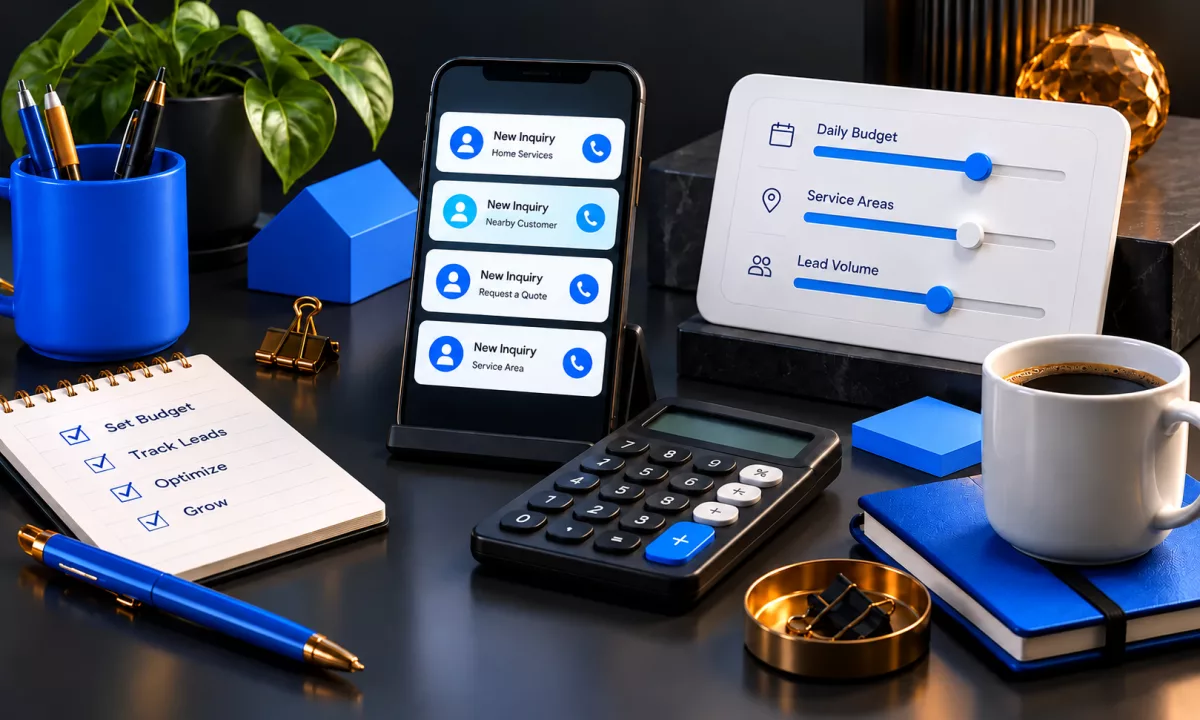
- Your weekly budget versus predicted leads. Google's bidding help page states that "the higher your weekly budget, the more leads you could get." Set a weekly budget, watch how many leads your account predicts or delivers over a few weeks, and divide the two. Budget divided by leads received is your real, local cost per lead, measured from your own market instead of someone else's.
- Your reporting dashboard. Once leads start coming in, the account shows exactly what you were charged for each one and which were credited. That history is the only "calculator" that reflects your category, your area, and your season.
If you are not running the ads yet, sign up and watch the recommended target before you commit to a full weekly budget. That single number, checked at signup and again after your first two or three weeks of real leads, will tell you more than any published range.
Budget and Bidding Modes, Explained
Google runs three bidding modes for Local Services Ads, and which one you pick changes both your risk and your control.
| Bidding mode | How it works |
|---|---|
| Maximize Leads | Fully automated. Google states this lets it "set your bid and get the most leads for your budget," with no per-lead number to manage yourself. |
| Target CPL | Automated bidding aimed at a cost-per-lead figure, either Google's recommendation or one you set. Google's own wording: "the target that you choose will determine the approximate average you'll pay for leads." |
| Max per lead | You manually set a bid limit, defined by Google as "the most you'd pay for a lead." You keep the ceiling, but you also do the work of adjusting it. |
Google recommends Maximize Leads for most advertisers and pairs it with a minimum weekly budget: its own bidding help page says "it is recommended to set a minimum budget of 10 leads per week for optimal results." A budget set below that tends to starve the algorithm of enough data to bid well, which usually shows up as fewer leads for the same spend, not a lower price per lead.
Whichever mode you pick, your position in results is not only about the bid. Google's ranking page lists profile quality (rating, review count, response time, and completed verification checks) as inputs alongside the bid itself, and notes that "higher quality profiles, including those with images, may rank higher and may also pay lower costs per lead." A slow responder and a fast responder bidding the same amount will not get the same results.
Disputing Invalid Leads and Getting Credit
You are not stuck paying for every charge that lands in your account. Google's help center says plainly: "If you believe the lead you received isn't valid, you can immediately dispute a lead," and "a successfully disputed lead will be credited back to you (US and Canada only)."
Two limits matter here. First, lead disputes are not available for health care verticals. Second, Google has narrowed what it will manually credit over time: its lead credits page confirms it no longer supports credits for "job type not serviced" and "geo not serviced" leads, meaning a lead that falls outside what your profile is set up to handle will not automatically qualify for a refund just because it was a mismatch. That makes getting your service list and service area right upfront a cost control, not a formality.
Separate from a manual dispute, Google also runs automated credits: leads it charged you for are reassessed over time by its models, and a lead later judged low quality can be credited without you filing anything. Google's own lead credits page says "in most cases, credits will be applied to your account balance within 30 days."
The Google Verified Badge, and What Verification Involves
For years, Local Services Ads carried three separate trust badges: Google Guaranteed, Google Screened, and License Verified. Google has since consolidated all three into a single Google Verified badge, reported in October 2025 by industry coverage (Search Engine Journal, ppconline.org); Google does not state the rollout date on its own current badge page. Google's own Google Verified badge page describes it as "simplifying our advertiser badging by launching a single badge for all advertisers," and confirms the Google Guarantee money-back guarantee was discontinued, with reimbursement requests for services booked before the change accepted only "before December 7, 2025."
Verification itself has not gotten easier, only more unified. Depending on your category and location, Google (directly, through partners, or through state regulatory bodies) can run business entity checks, owner background checks, business license verification at the state or provincial level, and insurance checks, including general liability and, for some categories, professional liability coverage. Google's own screening documentation groups this across major categories including Auto Care, Beauty, Food and Beverage, Health Care, Home Services, Learning, People Care, Pet Care, Professional Services, and Wellness, each with its own specific requirements. None of this costs you anything directly. Google states the screening process itself is free; your cost is the time it takes to gather the documents.
Which Business Categories Are Eligible
Not every business can buy Local Services Ads, and eligibility is set by category, sometimes narrowed further by state. Google's own getting-started page for the US lists examples such as electricians, plumbers, HVAC (heating or air conditioning), dentists, hair salons, house cleaning services, landscaping services, lawyers, pest control services, roofers, and real estate services, among many others. Some categories carry a geographic restriction stated right in the listing, such as architects, which Google's page currently limits to California and Florida.
If your trade is not on the list, or only appears in a handful of states, that is a policy limit rather than a setup mistake on your end, and the workaround is a search campaign or your Google Business Profile listing instead of a support ticket.
A Worked Break-Even Example
Here is how to turn a cost-per-lead number, once you actually have your own from the account, into a decision. Every input below is an assumption, labeled so you can swap in your real numbers.
Assume your average completed job is worth $450, your gross margin on that job is 40 percent (so $180 in margin per job), and out of every 10 valid leads you close 3 jobs (a 30 percent close rate). At those assumptions, your break-even cost per lead is your margin per job multiplied by your close rate: $180 times 0.30, or $54. Above $54 per lead, this particular business loses money on the ads once it counts every lead, closed or not. Below $54, it turns a profit.
Now say your account's Target CPL recommendation for your category in a metro like Dallas comes back at $60. At that price and the same 30 percent close rate, your cost per closed job is $60 divided by 0.30, or $200, which is above your $180 margin per job. You have two honest options: raise your close rate (faster response time, a better phone script, following up on missed calls) until $60 per lead pencils out, or treat $54 as your real ceiling and set a Max per lead bid there instead of accepting the automated recommendation. Either way, the math runs on your numbers, not a number from this article.
LSA vs Search Ads vs Lead Sites
These three options solve the same problem in different ways, and most local businesses end up using more than one.
- Local Services Ads: You pay per valid lead, you show up above regular ads with a Google Verified badge once approved, and Google handles the ad copy and targeting for you. The tradeoff is less control over exactly who sees your ad and how your listing is presented, beyond your reviews and response time.
- Search ads (Google Ads): You pay per click, whether or not that click ever contacts you. You get full control over ad copy, keywords, and landing pages, which matters if your funnel depends on a specific offer or a form instead of a phone call. A team running Google and Meta ads management full time can push a search campaign much further than the mostly automated LSA setup allows.
- Lead sites (Angi, Thumbtack, and similar): You typically pay per lead or per subscription, but the same request is often sold to several competitors at once, so you are competing on speed and price for a customer who does not yet know your name. Whether that trade is worth it for your business is its own question with its own math, and our guide on whether Angi leads are worth it walks through that break-even step by step.
None of these replace your free listing. A strong Google Maps and local SEO setup, meaning a complete Google Business Profile with real reviews, feeds both your map pack ranking and the profile quality signals that Google says affect your LSA rank and cost.
Common Mistakes
- Not answering calls quickly. Google factors response time into ranking and, by its own account, faster and higher-quality profiles can pay lower costs per lead. A slow callback does not just lose the job, it can raise what you pay for the next one. The fix: route LSA calls to whoever answers fastest, not whoever is next in a rotation.
- Never disputing a bad lead. A wrong number, a price-only inquiry, or a no-show does not credit itself unless you flag it or Google's models catch it later. The fix: check your lead list weekly and dispute anything that clearly does not match what a valid lead requires.
- Leaving the service area too wide or too narrow. Google no longer credits leads for jobs outside your set service area, so an area that is too broad turns into leads you cannot get refunded, while an area that is too narrow shrinks your lead volume for no pricing benefit. The fix: match your service area to where your crews actually go, and review it every time you expand.
FAQs
There is no single published number, because Google prices leads by category, service area, competition, and your own profile quality. The most accurate estimate for your business is the Target CPL recommendation inside your own account, or your weekly budget divided by the leads you actually receive after a few weeks of running ads.
They are ads that appear above regular search results for local service categories such as plumbing, HVAC, legal, and home cleaning. Unlike a standard search ad, you are charged per valid lead (a call, message, or booking request) rather than per click, and eligible businesses can carry the Google Verified badge.
Google does not publish a public calculator. The closest equivalent is the recommended target cost per lead shown when you set up Target CPL bidding in your own account, which is built from real auctions in your category and area rather than a general estimate.
Yes. Google's help center states you can immediately dispute a lead you believe is invalid, and a successful dispute is credited back to you in the US and Canada. Health care verticals are excluded from disputes, and Google no longer credits leads for the wrong job type or the wrong service area.
Google Verified is the single badge that replaced the separate Google Guaranteed and Google Screened badges. Google discontinued the Google Guarantee money-back guarantee as part of that change, with reimbursement requests for prior bookings accepted only before December 7, 2025.
Neither replaces the other outright. Local Services Ads charges per valid lead and needs less ongoing management, while search ads charge per click and give you full control over targeting and landing pages. Many local businesses run both alongside a complete Google Business Profile.
Conclusion
Google Local Services Ads charge for valid leads, not clicks, and the exact price is set by your category, your service area, and how well your profile performs, not by a chart from a blog. Use your own account's Target CPL recommendation, dispute what does not belong, and run the break-even math against your own margin and close rate before you scale the budget up.
If you want help setting up or managing Local Services Ads alongside the rest of your local search presence, get started with Rankwyre.
About the author:
Rankwyre Team
Digital technology company, Miami, Florida
Rankwyre is a digital technology company based in Miami, Florida. It builds custom websites, ecommerce stores, web apps, CRM systems, and dashboards, then runs the SEO and ads that bring in customers.