SEO & Performance
Core Web Vitals in 2026: The Practical Optimization Checklist
What actually moves LCP, CLS and INP, plus the website speed wins most teams skip.
Great content still needs a technically sound site to rank. Most modern platforms give you the foundations, but they only help if they are configured deliberately as the site scales.
This checklist covers the technical SEO Rankwyre puts in place on every build so search engines can crawl, understand and rank the pages without friction.
Technical SEO comes down to a clean sitemap, correct canonical tags, structured data, sensible redirects, and a setup that produces clear titles and meta descriptions. Get these foundations right and your content has what it needs to rank as the site grows.
Search engines need a clear map of your pages. Publish an accurate XML sitemap, keep it free of pages you do not want indexed, and submit it in Google Search Console.
Use your robots rules to exclude staging, search and utility pages, and confirm important templates are not accidentally set to no index.
Run your own site through most of this checklist automatically.
Run the free auditAt scale you cannot hand write every tag, so use a system that produces a unique, descriptive title and meta description for each page. Keep titles within roughly sixty characters and write them for the searcher, not the algorithm.
Use one clear H1 per page and a logical heading order. Clean structure helps both ranking and the answer engines that now summarise pages directly.
Add structured data such as Article, Product, FAQ or Breadcrumb so search engines understand the page and can show rich results. Most platforms let you embed JSON-LD in templates so every page inherits the right schema.
Set canonical tags to prevent duplicate content from filters, pagination or parameters splitting your ranking signals across near identical URLs.
Every time a URL changes, add a 301 redirect so you keep the authority the old page earned. Audit redirects periodically to avoid chains that slow crawling.
Internal links spread authority and help discovery. Link new articles to related ones and from high traffic pages to the pages you most want to rank, which is exactly what the related section on this page does.
Forty-two pages moved platforms, and each one was checked rather than trusted to a bulk export.
Technical SEO at scale is this unglamorous. It is per-URL verification, not a plugin you install once.
Read the Iqra Learning case studySome platforms make good technical SEO easier than others, but almost any modern platform can rank well. What matters most is clean HTML, fast performance, editable meta tags, an accurate sitemap and structured data, then content and how carefully it is all configured.
At minimum, Organization and Breadcrumb schema across the site, plus Article schema on blog posts and Product schema on ecommerce pages. FAQ schema is valuable on pages that genuinely answer common questions.
Almost always. A 301 redirect passes the ranking authority from the old URL to the new one and stops visitors hitting a 404. Skipping redirects during a redesign is one of the fastest ways to lose hard won rankings.
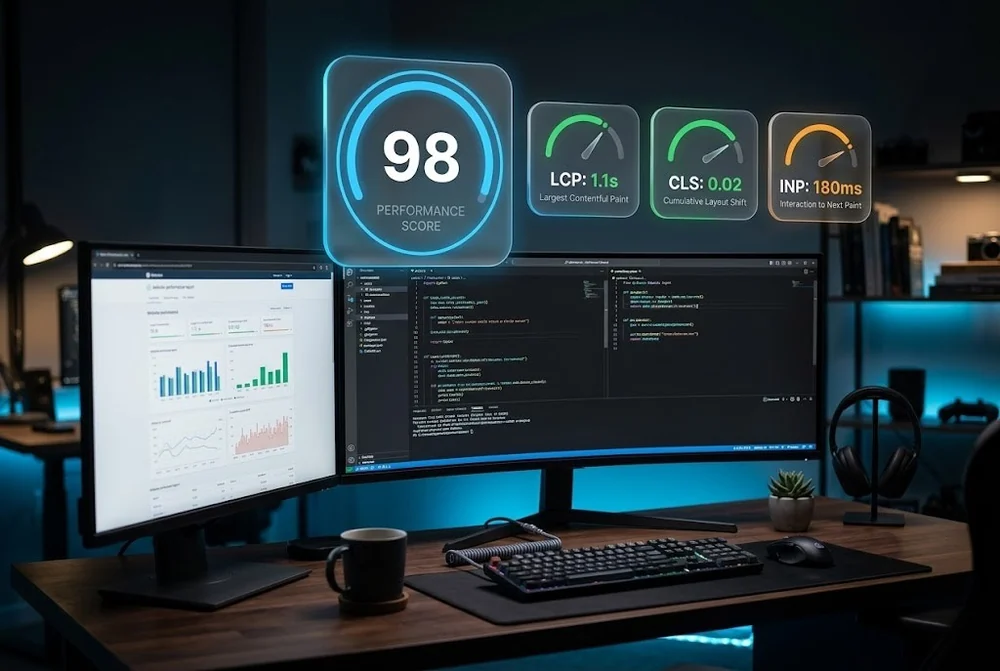
What actually moves LCP, CLS and INP, plus the website speed wins most teams skip.

The layout, hierarchy and proof decisions that turn cold traffic into qualified leads in seconds.
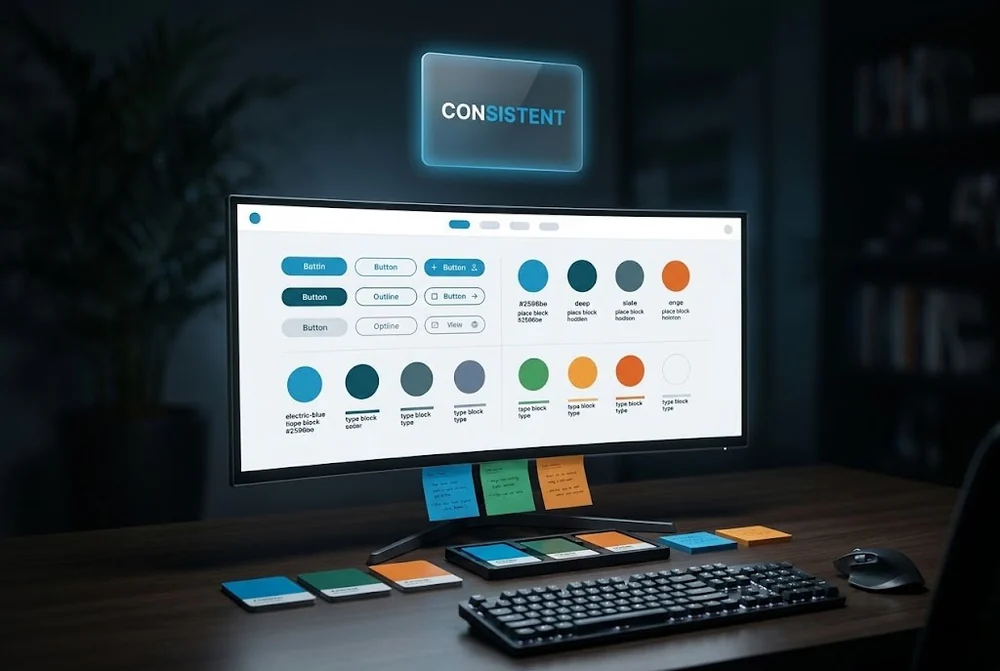
Tokens, components and naming conventions that keep a growing website consistent.
From first sketch to launch day, we design sites that look unforgettable and convert like they mean it.